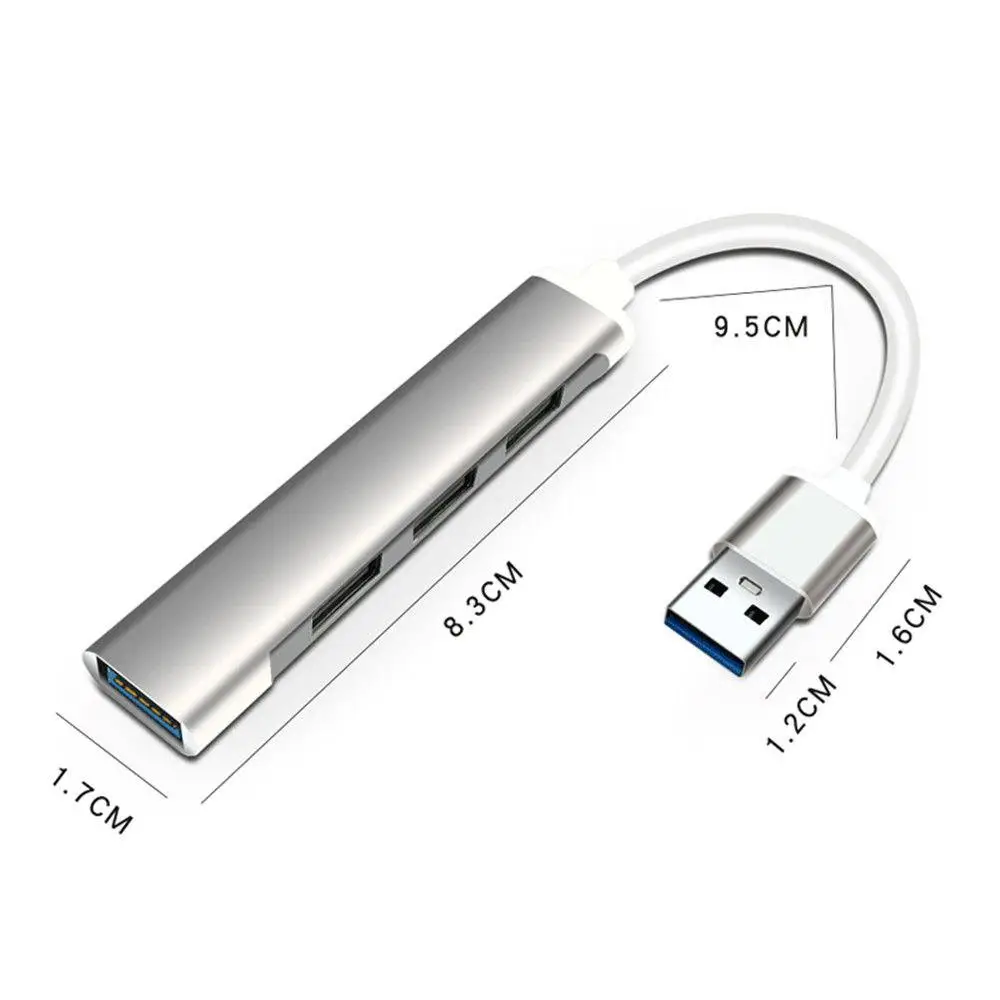
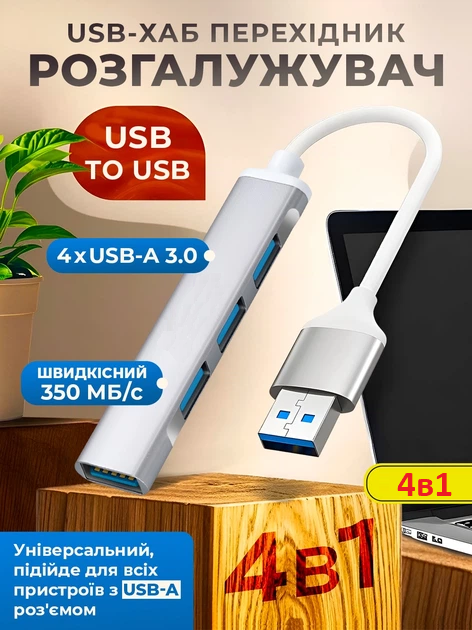
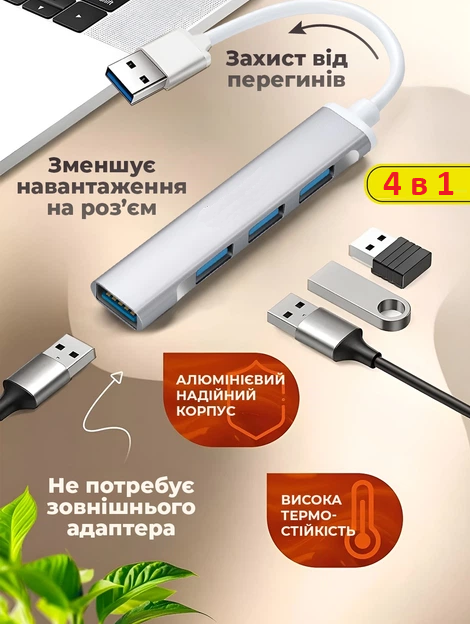
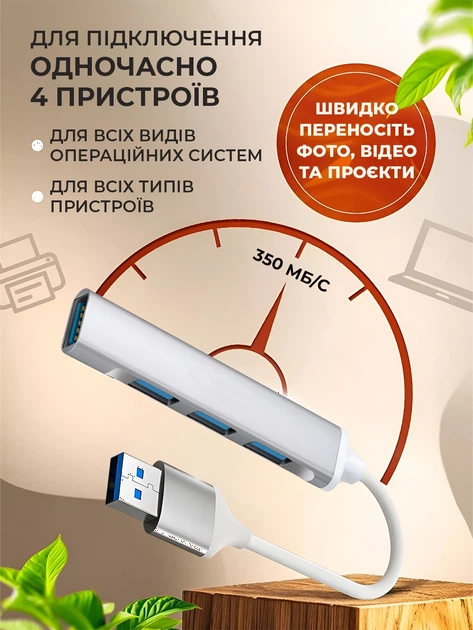
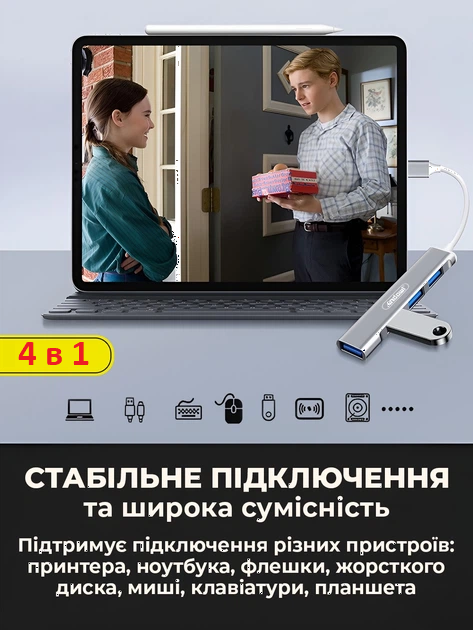

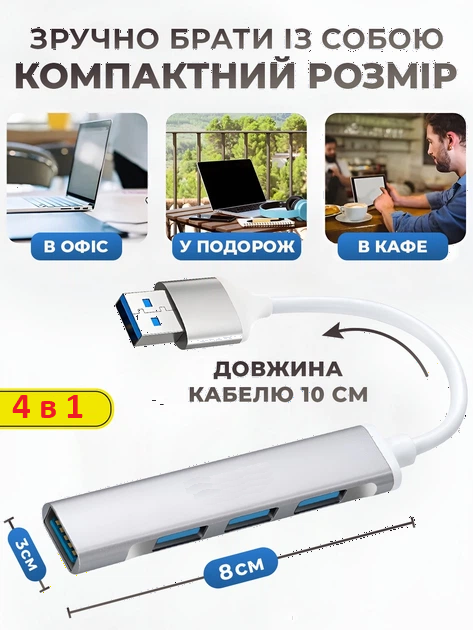
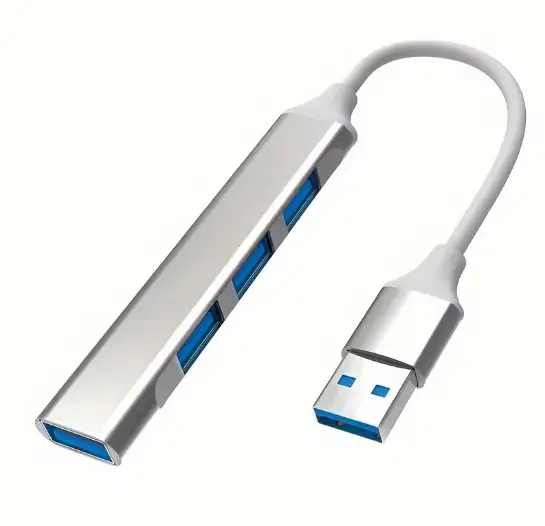


The Andowl Q-HU1BX1 is a bus-powered USB hub that turns a single standard USB-A port into four USB-A 3.0 ports. It moves data at up to 350 MB/s, draws power from the port it is plugged into, needs no drivers thanks to plug and play, and stays close to the laptop or PC on a ~10 cm cable.
Specifications
| Parameter | Value |
|---|---|
| Brand | Andowl |
| Model | Q-HU1BX1 |
| Number of USB ports | 4 |
| Outputs | 4 × USB-A 3.0 |
| Host connection | USB-A (standard) |
| Data transfer rate | up to 350 MB/s |
| Cable length | ~10 cm |
| Housing material | ABS plastic |
| Colour | Grey |
| Power | From the USB port of the host device |
| Drivers | Not required (plug and play) |
| Supported OS | Windows, macOS, Linux, Android (via OTG) |
| Condition | New |
What you get
- Four ports from one — a single USB-A socket becomes four USB-A 3.0 outputs.
- Quick file transfers — data moves at up to 350 MB/s.
- No power brick — the hub runs off the USB port it is plugged into.
- Nothing to install — plug and play, no drivers needed.
- Tidy desk — the ~10 cm cable keeps the hub beside the laptop instead of hanging off it.
- ABS plastic housing — grey and small enough to live in a laptop bag.
Who it is for
Laptop and PC users who have run out of USB-A ports and want a mouse, keyboard, flash drive, printer and external drive connected at the same time. It also suits remote work and business trips, where the workstation gets rebuilt every few days.
Who should look elsewhere
Anyone who needs to power several demanding devices at once: this hub takes its power only from the host USB port and is meant for low-power peripherals. The plug is USB-A, so a port of another type will need an adapter.
Uses and compatibility
Connecting a mouse, flash drive, printer, keyboard or external drive to a laptop or PC; low-power peripherals such as gamepads and USB lamps; transferring files, films and photos. The manufacturer lists Windows, macOS, Linux and Android via OTG, with no drivers required.
In the box
The Andowl Q-HU1BX1 USB hub in its original factory packaging.
Questions and answers
Do I need to install drivers?
No. The hub is plug and play: connect it to a USB-A port and all four outputs are ready to use.
Does the hub need its own power supply?
No, it is powered by the USB port it is connected to, which is why it is intended for low-power peripherals.
How fast is the data transfer?
Up to 350 MB/s, and all four outputs are USB-A 3.0.
Can I use it with a phone?
The manufacturer lists Android via an OTG connection, as well as Windows, macOS and Linux.
Reviews
There are no reviews yet.