The Yellow Square app: how to install it and what it can do
You can put the store on your phone screen in a minute: prices and stock update themselves, pages open without internet, and the shortcuts lead straight to the catalogue, cart and orders.
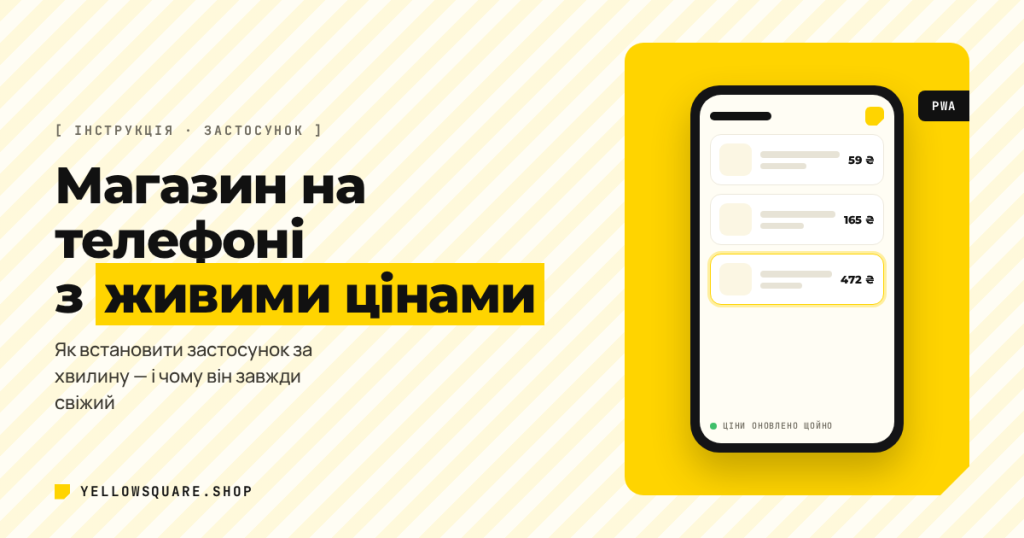
Yellow Square now has a phone app. It is not one more program from an app store — it is the shop itself: it lands on your home screen in a few seconds, runs without an address bar and keeps prices and stock fresh on its own. Below is how to install it and what it actually does.
What it is
Technically it is an installable website (a PWA — Progressive Web App). The phone adds a shortcut to the home screen and keeps the pages on the device. It looks and opens like a normal app: full screen, no browser bars.
Why we did it this way instead of an app in Google Play and the App Store:
- Updates are instant. We change a price or add a product — you see it right away, with no new version to download.
- It weighs nothing. The app takes a few megabytes — those are saved pages, not a separate program.
- One shop, not two different versions. Cart, orders and account are shared with the site: start on a computer, finish on your phone.
How to install
Android (Chrome)
- Open yellowsquare.shop in Chrome.
- Tap the “Install app” button on the home page — or the “⋮” menu → “Install app” / “Add to Home screen”.
- Confirm. The shortcut will appear next to your other apps.
iPhone and iPad (Safari)
- Open the site in Safari (Chrome on iPhone does not offer this).
- Tap the “Share” button — the square with an arrow pointing up.
- Choose “Add to Home Screen” → “Add”.
Computer
In Chrome and Edge an install icon appears at the right of the address bar. After that the shop opens in its own window.
What the app can do
Prices and stock update themselves
While the app is open it asks the warehouse once a minute whether anything has changed. If it has, the product cards update right on the screen: new price, new stock status. No need to reload the page — you will see a short “Prices and stock updated” message.
It works very simply: the server keeps a “catalogue version” that changes every time we edit a product. The app compares it with its own and pulls changes only when there really are any. That is why it uses almost no traffic.
Works without the internet
Pages you have already opened are kept in the phone’s memory. In the metro, in a lift or at a country house the catalogue opens without a network — you see the last known prices. As soon as the connection returns, the data refreshes itself.
Quick jumps
Press and hold the app icon and shortcuts appear: “Catalogue”, “Cart” and “My orders” — straight there, with no extra steps.
FAQ
Do I need to update the app?
No. It updates itself together with the site — the new version is picked up the next time you open it.
How much space does it take?
A few megabytes: saved pages and images. You can clear the cache at any time in your browser settings.
Does it send notifications?
Not yet. We write about order status in Viber or Telegram; in-app notifications are on our roadmap.
How do I remove it?
The same as any app: hold the icon → “Remove”. The site itself keeps working as usual.
Коротко
Install the app from the home page and the shop is always at hand: current prices, saved pages and quick access to your orders. If something will not install, write to us on Viber or Telegram and we will walk you through it.