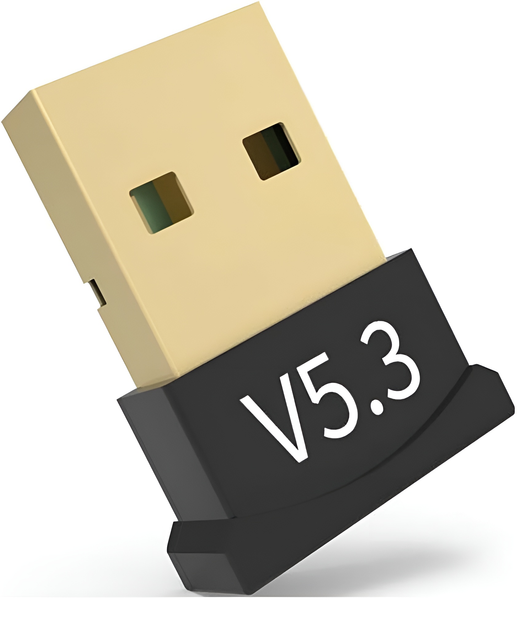
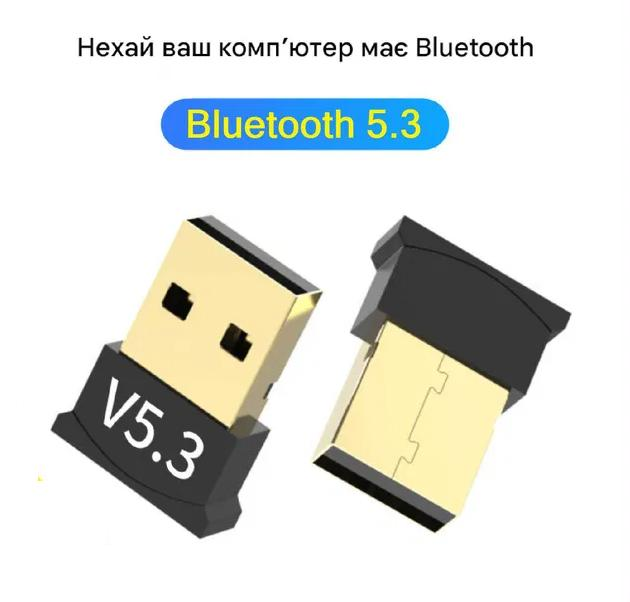
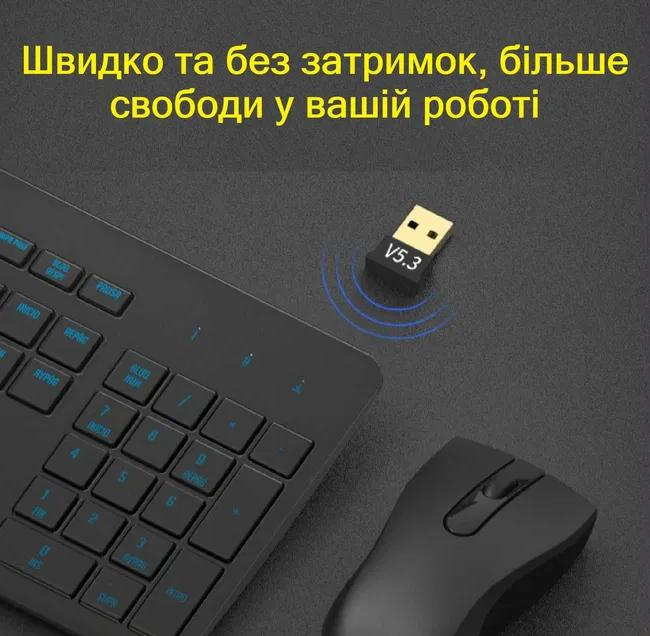


The Yellow Square USB Bluetooth adapter adds Bluetooth 5.3 to a PC or laptop running Windows 8, 10 or 11. It also works with devices on older versions 4.2, 4.1, 4.0, 3.0 and 2.0. Setup means plugging it into a USB port. Use it for headphones, speakers, keyboards, mice and smartphones; gamepads are not supported.
Specifications
| Parameter | Value |
|---|---|
| Type | USB Bluetooth adapter |
| Bluetooth version | 5.3 |
| Backward support | 4.2 / 4.1 / 4.0 / 3.0 / 2.0 |
| Connection | USB port |
| Operating systems | Windows 8 / 10 / 11 |
| Installation | Plug into a USB port |
| Limitation | Does not work with gamepads |
| Colour | Black |
| Condition | New |
What you get
- Bluetooth 5.3 — a current protocol version for wireless headphones, speakers and peripherals.
- Older gear still pairs — backward support for versions 4.2, 4.1, 4.0, 3.0 and 2.0.
- Quick start — insert it into a USB port and it is ready to use.
- Three Windows versions — stated support for Windows 8, 10 and 11.
- Fewer cables on the desk — keyboard, mouse and headphones connect wirelessly.
- Low-key look — the black housing blends in next to a laptop or desktop tower.
Who it is for
Owners of desktop PCs and laptops on Windows 8, 10 or 11 who need Bluetooth or a replacement for a faulty built-in module, and anyone who works at home, in the office or on the road and wants to connect headphones, a speaker, keyboard, mouse or smartphone without cables.
Who it is not for
Gamers planning to connect a gamepad, because the adapter does not work with gamepads. It is also not intended for computers on other operating systems, since only Windows 8, 10 and 11 are stated as supported.
Use and compatibility
Compatibility according to the manufacturer: Windows 8, Windows 10, Windows 11, PCs and laptops. Typical uses include wireless headphones and speakers on a computer, a keyboard, mouse and smartphone, and serving as a Bluetooth receiver for a PC or laptop at home, in the office or while travelling.
What is in the box
The USB Bluetooth adapter. The supplier lists no other accessories.
FAQ
Do I need to install drivers?
According to the manufacturer, you simply insert the adapter into a USB port on a computer running Windows 8, 10 or 11.
Can I connect a gamepad?
No, the adapter does not work with gamepads. It is suitable for keyboards, mice, headphones and speakers.
Will it pair with my older headphones?
Yes, it is backward compatible with Bluetooth 4.2, 4.1, 4.0, 3.0 and 2.0, so older devices can connect too.
Does it work with other operating systems?
The manufacturer only states support for Windows 8, 10 and 11 and does not confirm other systems.


Reviews
There are no reviews yet.