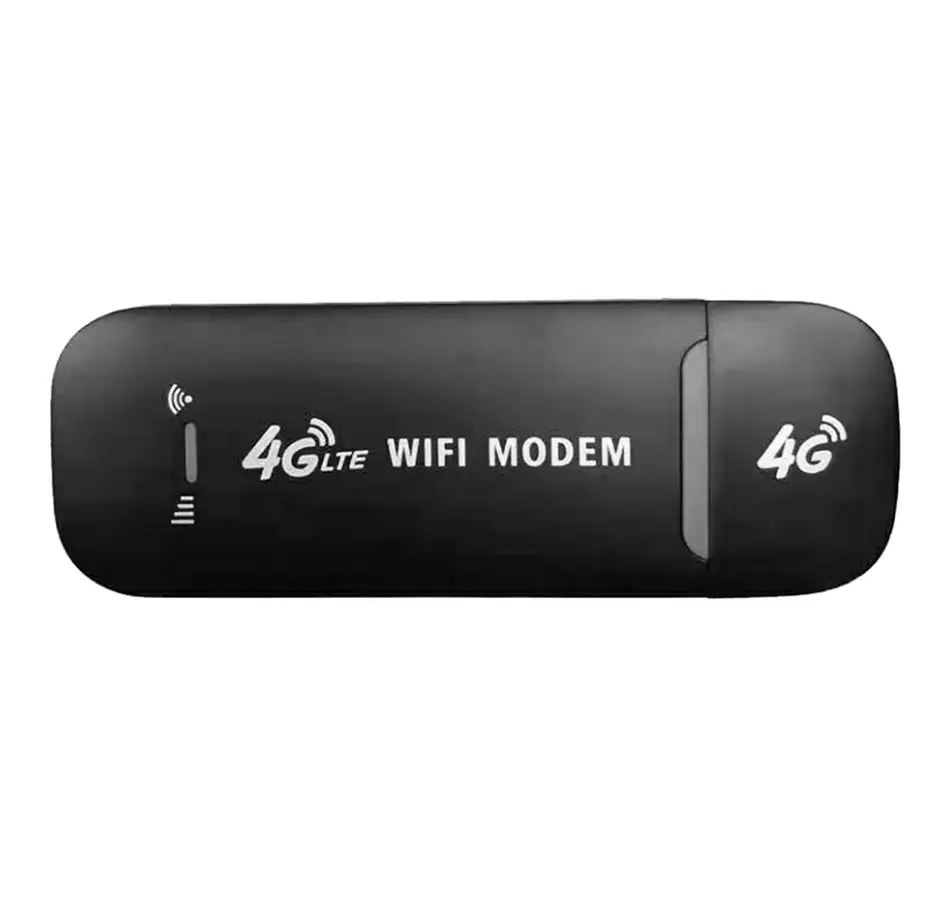
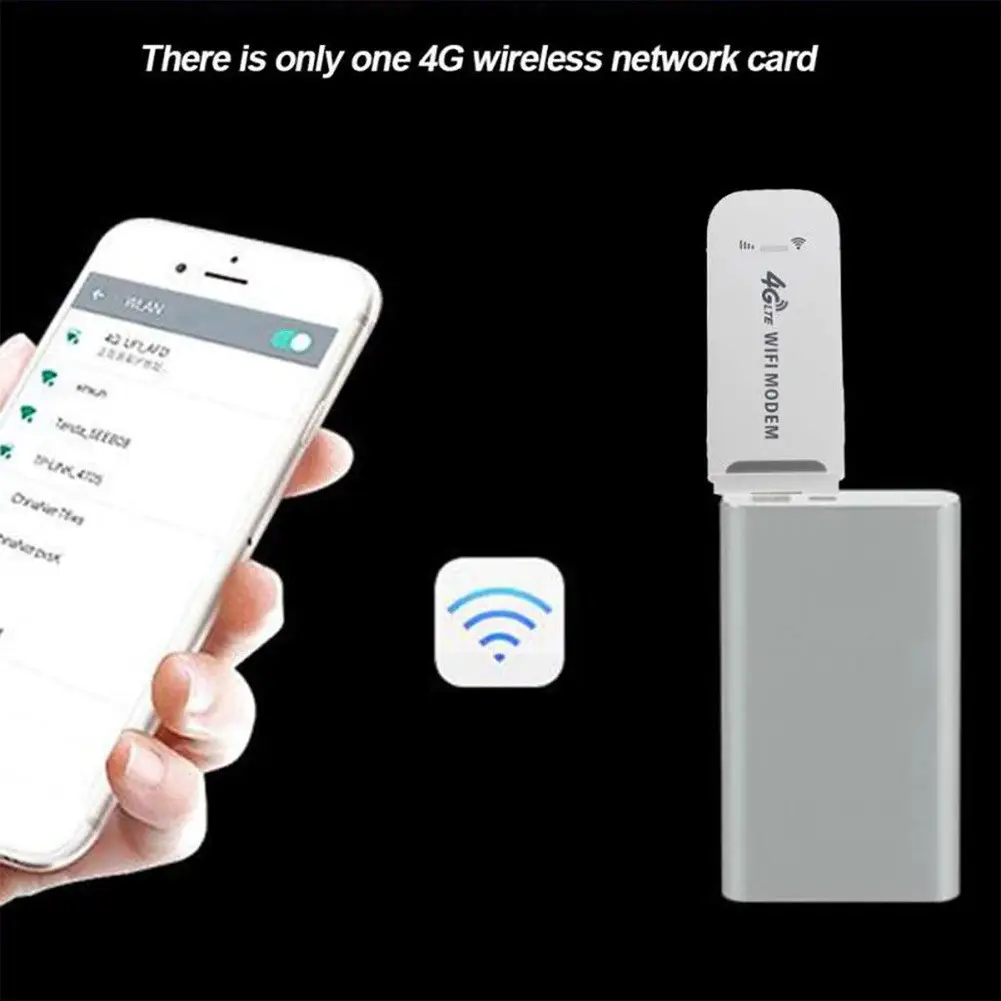
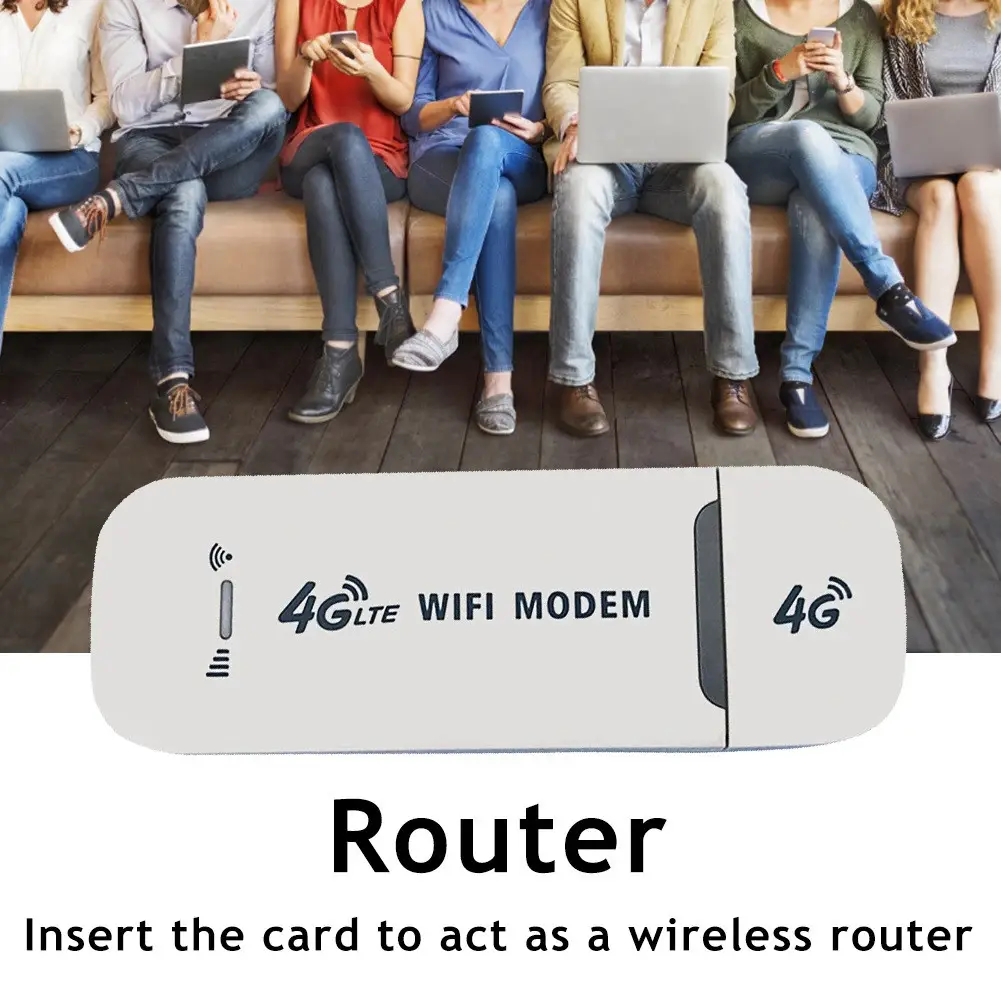
The Yellow Square 4G USB modem has a built-in WiFi router based on the Qualcomm 8916 chip. It receives mobile internet at up to 150 Mbps and shares it over WiFi with up to 10 devices, or works as a USB modem for a laptop. It runs on 5 V USB power, which suits cars, cottages, business trips and blackouts with a power bank.
Specifications
| Parameter | Value |
|---|---|
| Device type | Network card / USB WiFi router |
| Networks | 3G/4G |
| Standards | 4G FDD LTE (B1/3/5), 3G WCDMA (B1) |
| Mobile data speed | up to 150 Mbps |
| WiFi speed | up to 72 Mbps |
| Simultaneous connections | up to 10 devices |
| Chip | Qualcomm 8916 |
| Modes | USB modem for a laptop; standalone WiFi hotspot |
| Interface | USB |
| Power | 5 V from a USB port |
| Size | 95×33 mm |
| Housing material | Plastic |
| Colour | Black |
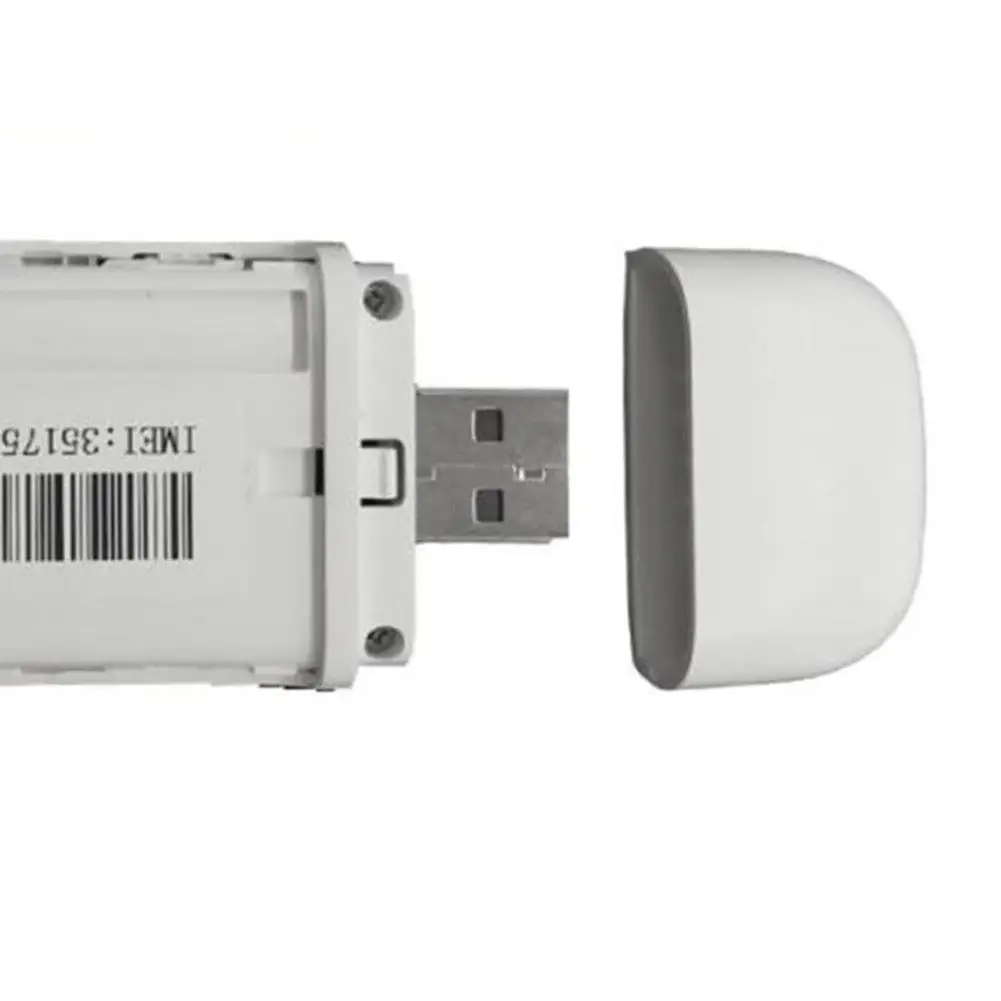
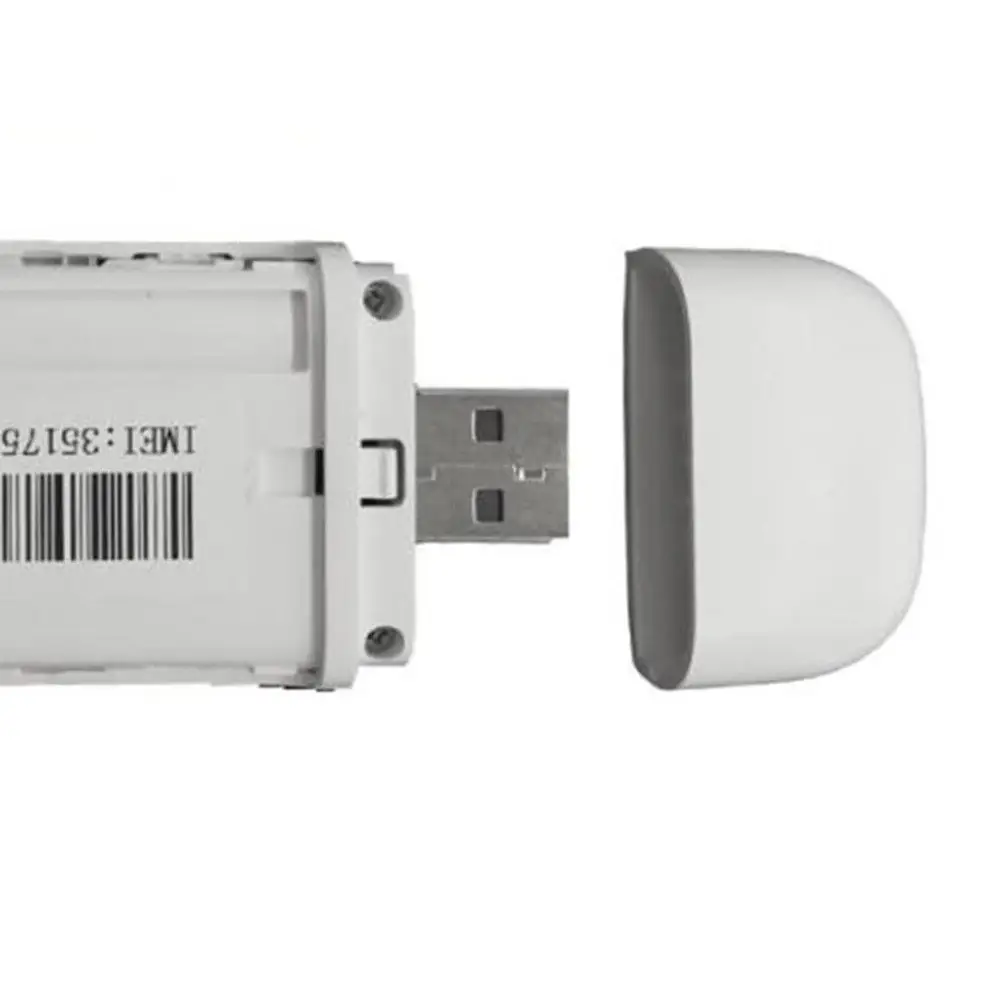
| SIM installation | Under the back cover, chip facing down |
| Network setup | Plug & Play, automatic |
| Settings address | 192.168.100.1 |
| Condition | New |
What you get
- Your own WiFi network anywhere — the modem shares internet with up to 10 devices at once.
- Two modes — a USB modem for a laptop or a separate hotspot that only needs power.
- Up to 150 Mbps — 4G FDD LTE for video calls, email and navigation.
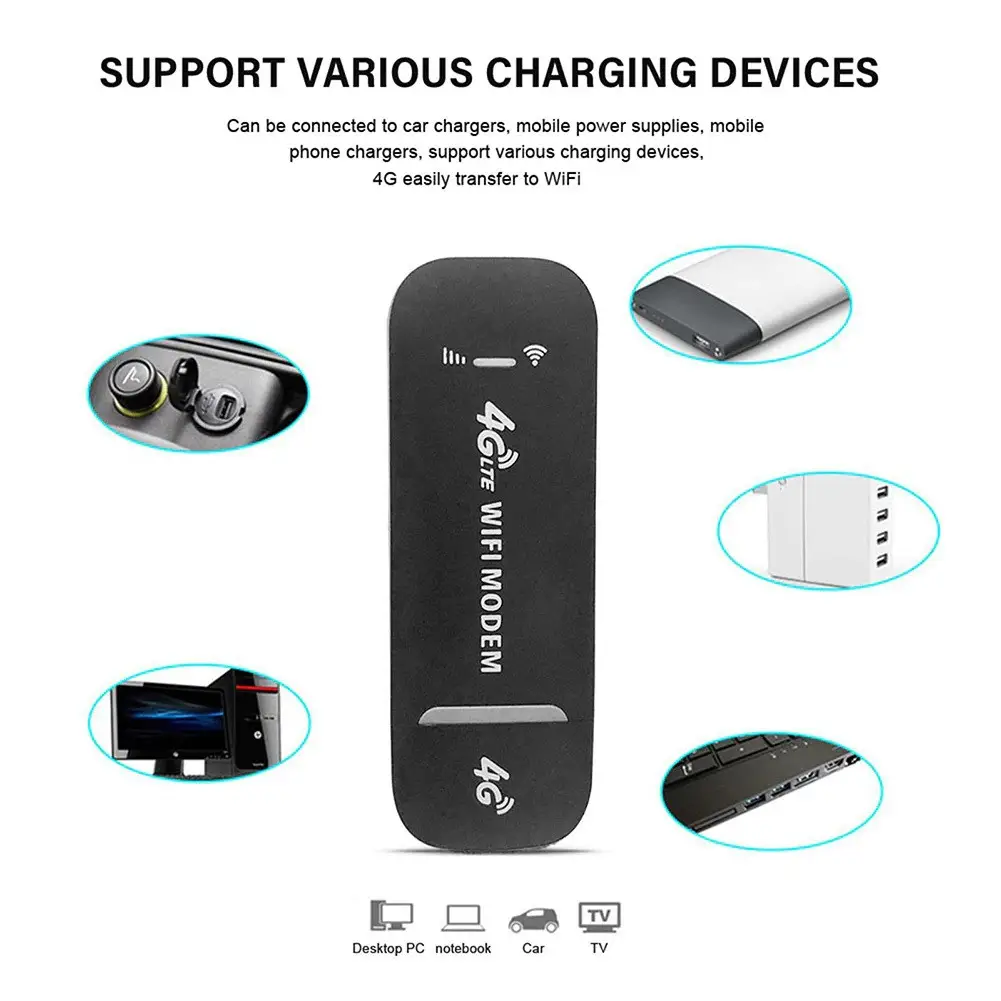
- 5 V USB power — run it from a power bank, a car USB adapter or a phone charger.
- Quick start — insert a SIM and the modem finds the carrier network by itself.
- Network control — change the WiFi name and password at 192.168.100.1.
- Small housing — 95×33 mm, easy to carry with a laptop.
Who it is for
Drivers who want WiFi in the car for navigation and passengers, people heading to a country cottage or fishing spot without wired internet, business travellers who need email and video calls on a laptop, and anyone preparing for blackouts who wants to stay connected from a power bank.
Who it is not for
Anyone who needs to connect more than 10 devices at once or expects WiFi speeds above 72 Mbps. It will not replace a fixed router in a large office with many users.
Use and compatibility
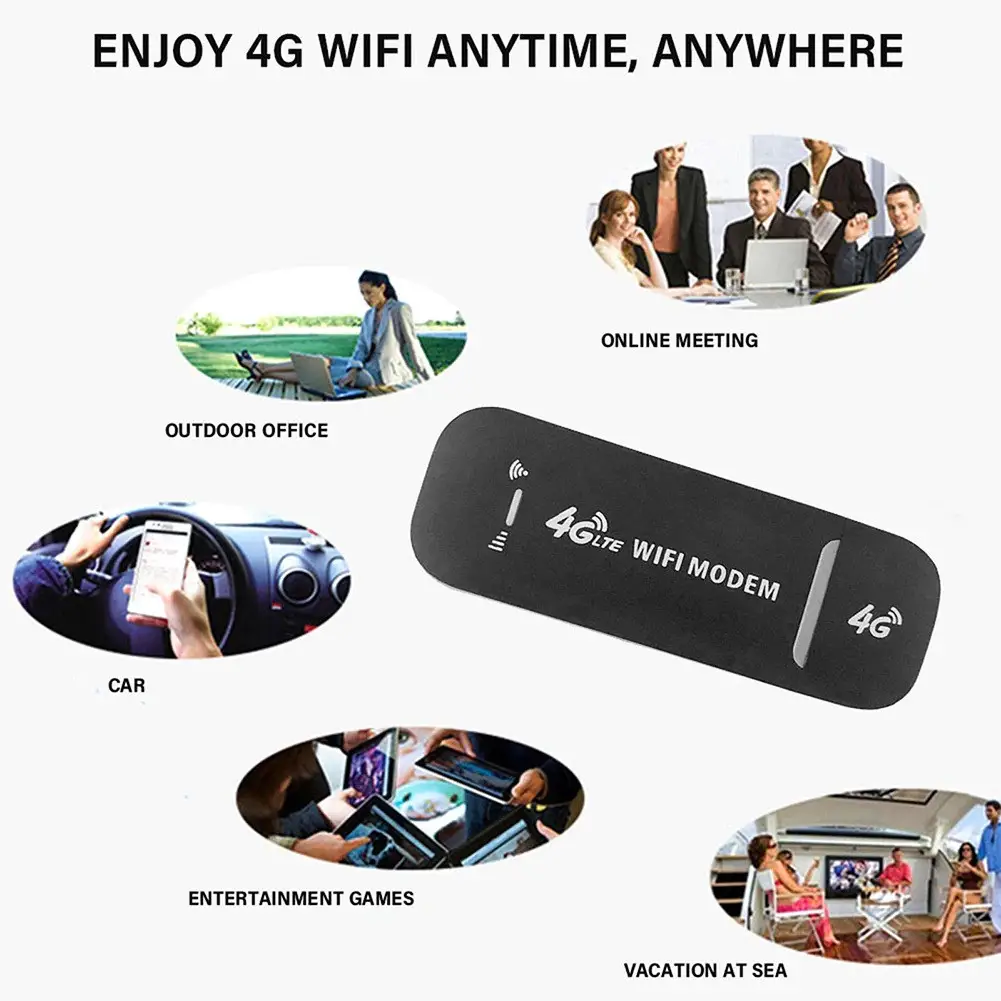
According to the seller, the modem works with Kyivstar, Vodafone and lifecell SIM cards. Typical uses: a WiFi zone in a car, internet at a cottage or while fishing, work on business trips, travel and blackouts powered by a power bank, car charger or phone charger, and sharing internet with smartphones, tablets and laptops.
What is in the box
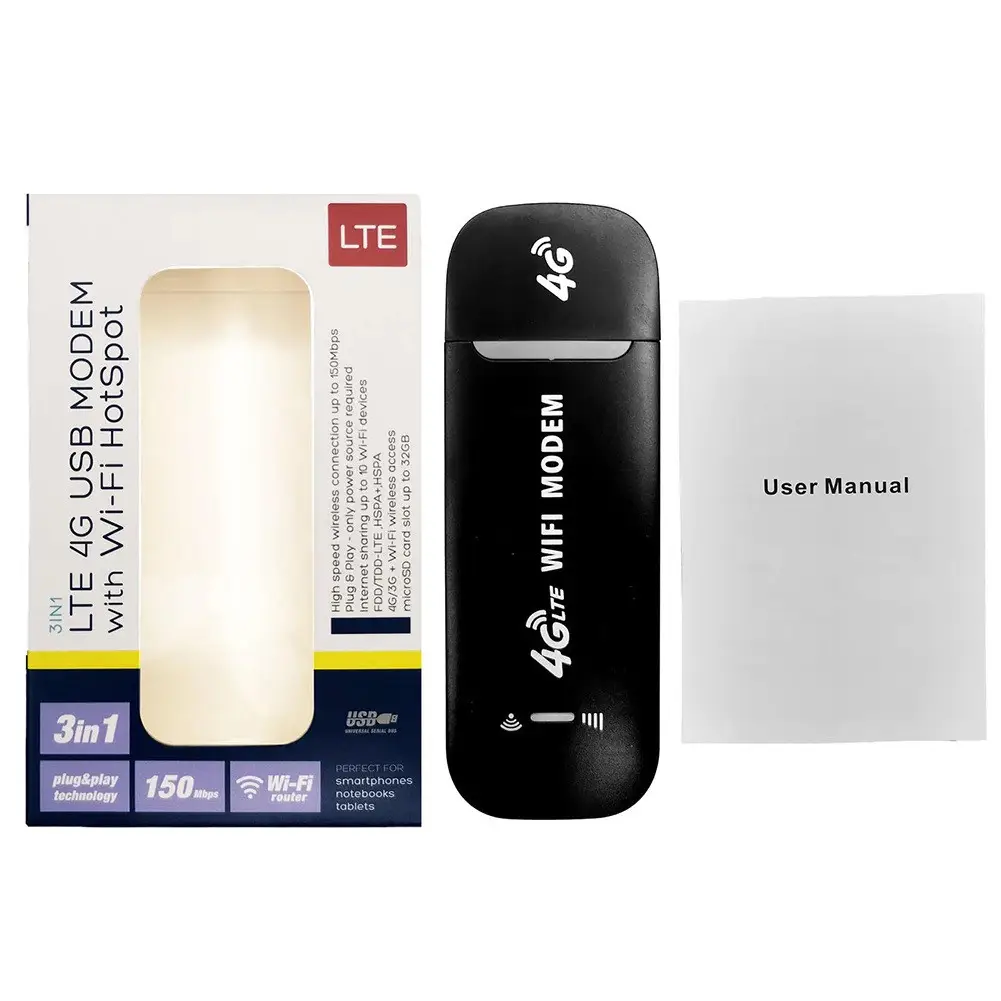
The 4G USB modem and a quick guide.
FAQ
How do I insert the SIM card?
Remove the back cover and place the SIM card with the chip facing down. Once powered, the modem finds the carrier network on its own.
Which carriers does it work with?
The seller lists compatibility with Kyivstar, Vodafone and lifecell SIM cards.
How do I change the network name and password?
Connect to the modem WiFi and open 192.168.100.1 in a browser, where you can change the network name and password.
How many devices can connect?
Up to 10 devices at once over WiFi, with WiFi speeds of up to 72 Mbps.
How can I power it in a car or during a blackout?
From any 5 V USB source, such as a power bank, a car charger in the lighter socket or a phone charger.

Reviews
There are no reviews yet.