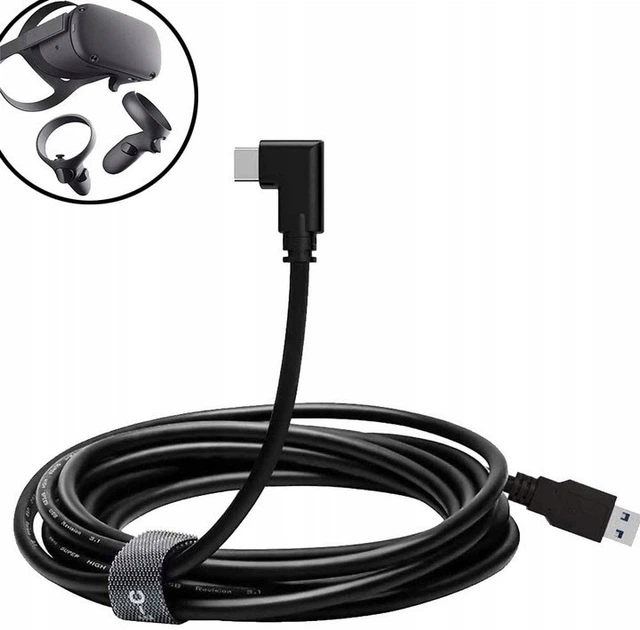

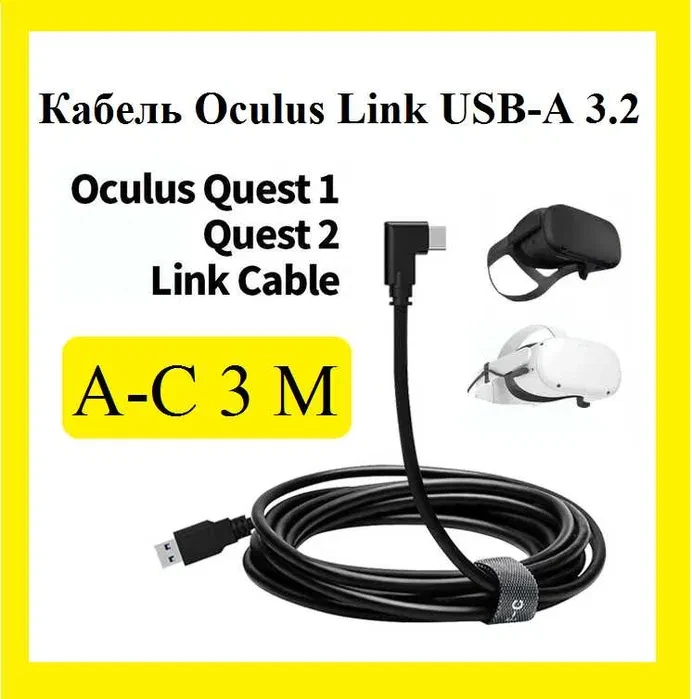
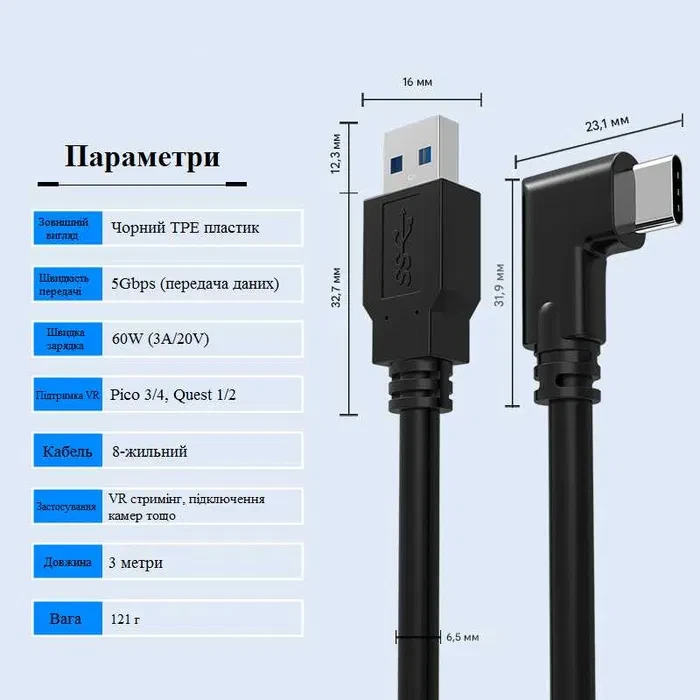

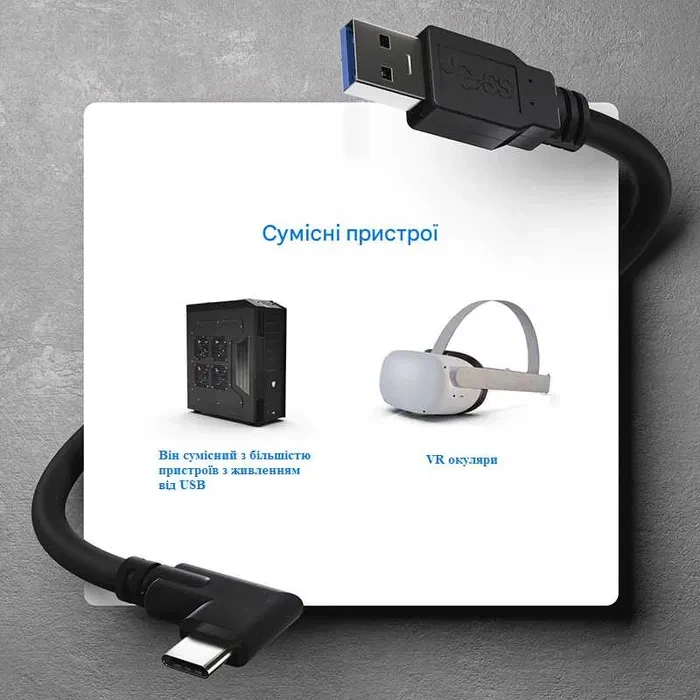
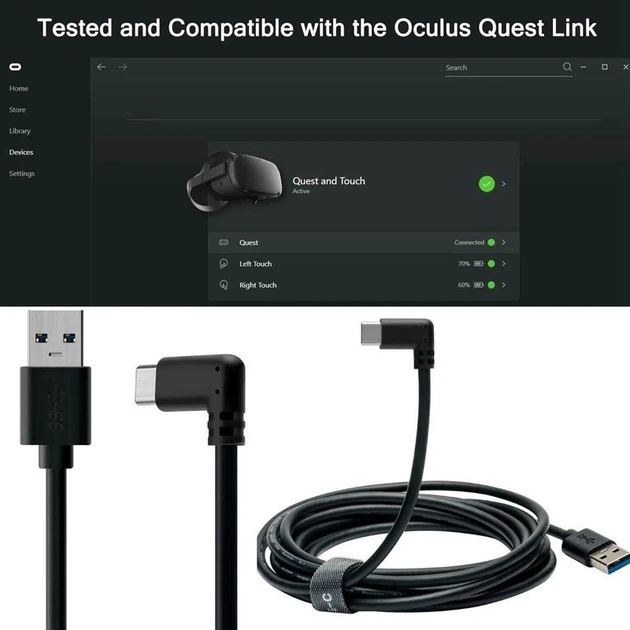


The Yellow Square USB-C to USB-C cable is 3 m long and links an Oculus/Meta Quest 2 or Quest 3 to a computer through Oculus Link. It follows USB 3.2 Gen 1 at up to 5 Gbps and carries data while charging the headset. The plugs are reversible and the cable is black. Plug it into a rear USB 3.x port on the motherboard.
Specifications
| Feature | Value |
|---|---|
| Interface | USB-C to USB-C |
| Length | 3 m |
| Standard | USB 3.2 Gen 1 (5 Gbps) |
| Data transfer rate | up to 5 Gbps |
| Functions | data transfer + charging while in use |
| Connector | reversible USB-C, fits either way |
| Material | plastic |
| Colour | black |
| Quantity | 1 pc |
| Country of origin | China |
| Recommended port | rear USB 3.x ports on the motherboard or a full USB-C 3.x port |
| Condition | new |
What you get
- Three metres between PC and headset — 3 m of length for PC VR near your desk.
- Data and power in one cable — data transfer and charging while in use.
- USB 3.2 Gen 1 bandwidth — up to 5 Gbps.
- No wrong way up — reversible USB-C plugs.
- Simple setup — cable into the PC port, allow data access on the headset, enable Oculus Link in the app.
- A spare long USB-C cable — for copying data and connecting other devices.
Who it is for
Owners of Oculus/Meta Quest 2 and Quest 3 who play PC VR close to their computer. Also users of Dell XPS/Precision, HP Spectre, Lenovo ThinkPad and Microsoft Surface Book laptops and Samsung Galaxy, Xiaomi, Huawei, OnePlus and LG phones who need a longer USB-C cable.
Who it is not for
If your play area is far from the PC, 3 m may not be enough. Owners of the original Quest: it is not on the supplier's compatibility list. Also note that charging depends on port power, so on a weak port the headset battery may drop during play.
Applications and compatibility
Compatibility according to the supplier: Oculus/Meta Quest 2, Oculus/Meta Quest 3, PCs and laptops with USB 3.0/3.2/USB-C, Dell XPS/Precision, HP Spectre, Lenovo ThinkPad, Microsoft Surface Book, smartphones with USB-C: Samsung Galaxy, Xiaomi, Huawei, OnePlus, LG. Uses: PC VR through Oculus Link or SteamVR, charging the headset during play, copying data, connecting USB-C devices that need a long cable.
How to connect the headset:
- Plug the cable into a USB 3.0/3.2 port on the computer.
- Turn on the headset and allow data access.
- Enable Oculus Link in the Meta/Oculus app on the PC.
- Run a speed test if needed.
What is in the box
USB-C cable, 3 m, 1 pc.
Questions and answers
Which headsets is the cable meant for?
According to the supplier, Oculus/Meta Quest 2 and Quest 3 in Oculus Link mode.
Which PC port should I use?
A rear USB 3.x port on the motherboard or a full-featured USB-C 3.x port.
Why can the headset battery drop during play?
Charging quality depends on the PC port's power output and the headset load, so on a weak port the charge level may fall.
How do I turn on Oculus Link?
Connect the cable to the PC, switch on the headset, allow data access and enable Oculus Link in the Meta/Oculus app on the computer.
Reviews
There are no reviews yet.